


Multiple Special Instructions
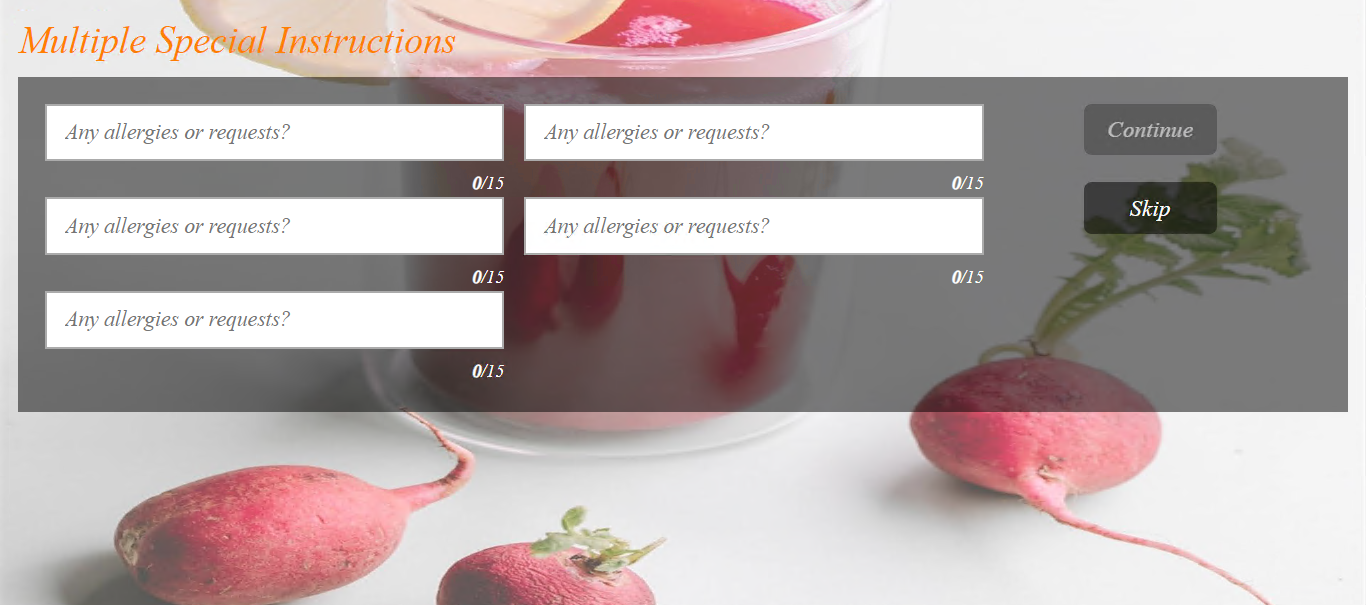
Users can configure multiple special instruction fields with specific categories, such as Allergies, Add Items, Avoid Items, and others. This allows the kiosk to display a maximum of 5 special instruction categories while ordering. Guests can enter the appropriate text in each special instruction field when adding items to the cart. A maximum of 15 characters is supported for guests to enter the special instruction text. Users can configure multiple special instruction fields with specific categories, such as Allergies, Add Items, Avoid Items, and others.
To configure this, the Allow multiple special instructions checkbox in the Display Multiple Special Instruction section (Profile Designer ➜ Card Design ➜ Main) must be enabled.
For more information, refer to the Card Design section under Profile Designer, in the InfoGenesis Configuration Manager for IG Kiosk document.