


Email and SMS Receipts
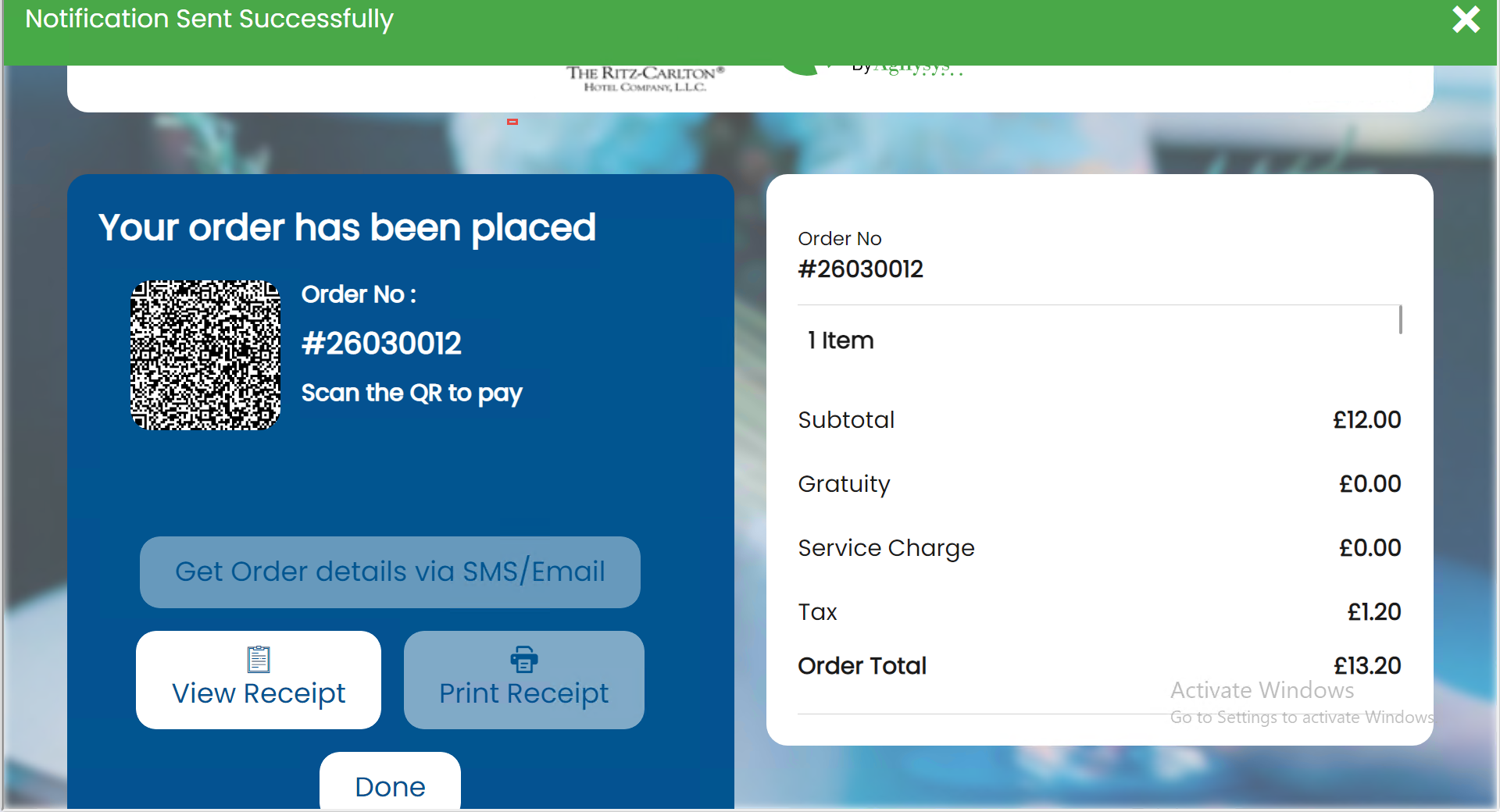
Kiosk allows guests to receive the receipts through Email and SMS. This is done using the Get Order Details Via Email/SMS option in the Order Confirmation screen which appears when the guest places an order.
On selecting the option, the Email/SMS screen appears prompting the guest to enter their details.
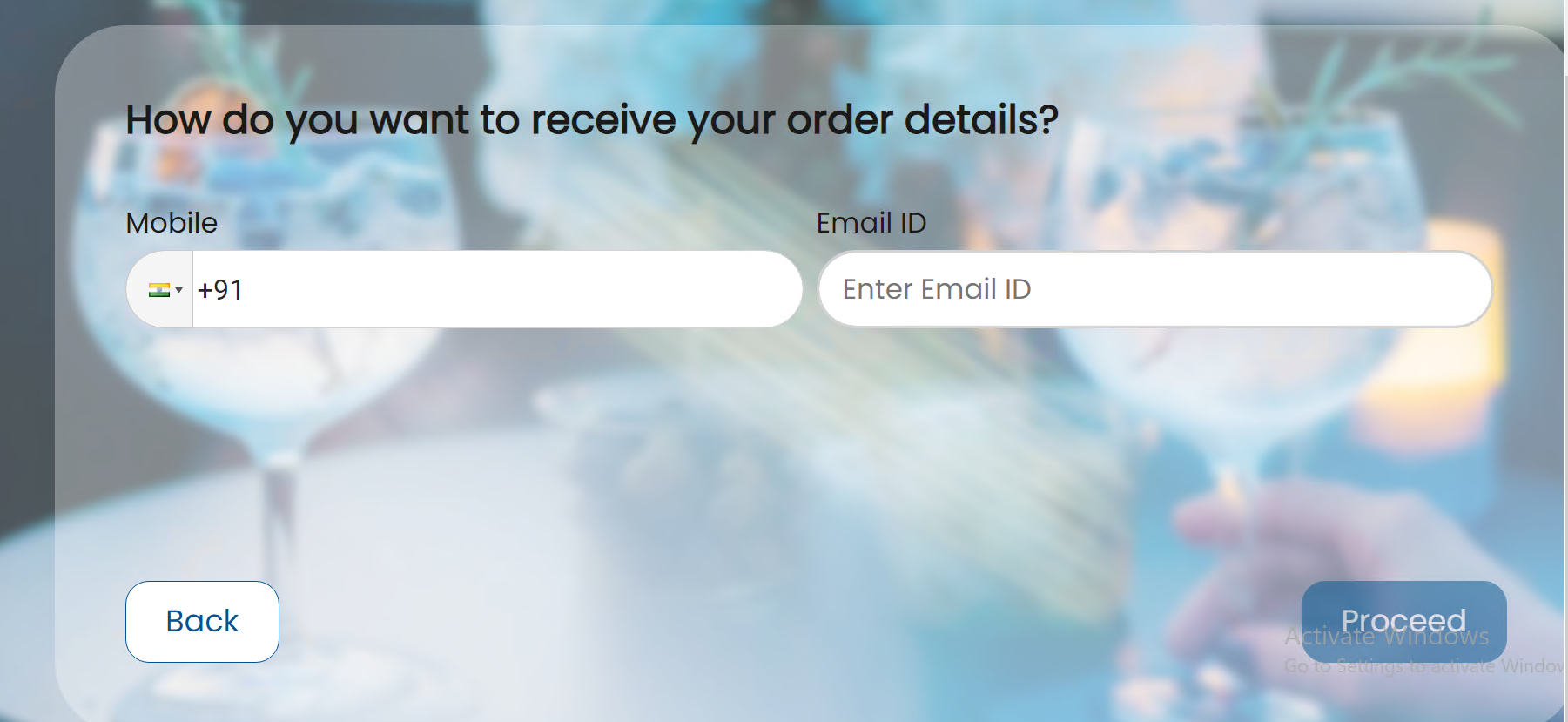
The guest can choose to enter either their email address or phone number and select Proceed. A confirmation prompt appears.
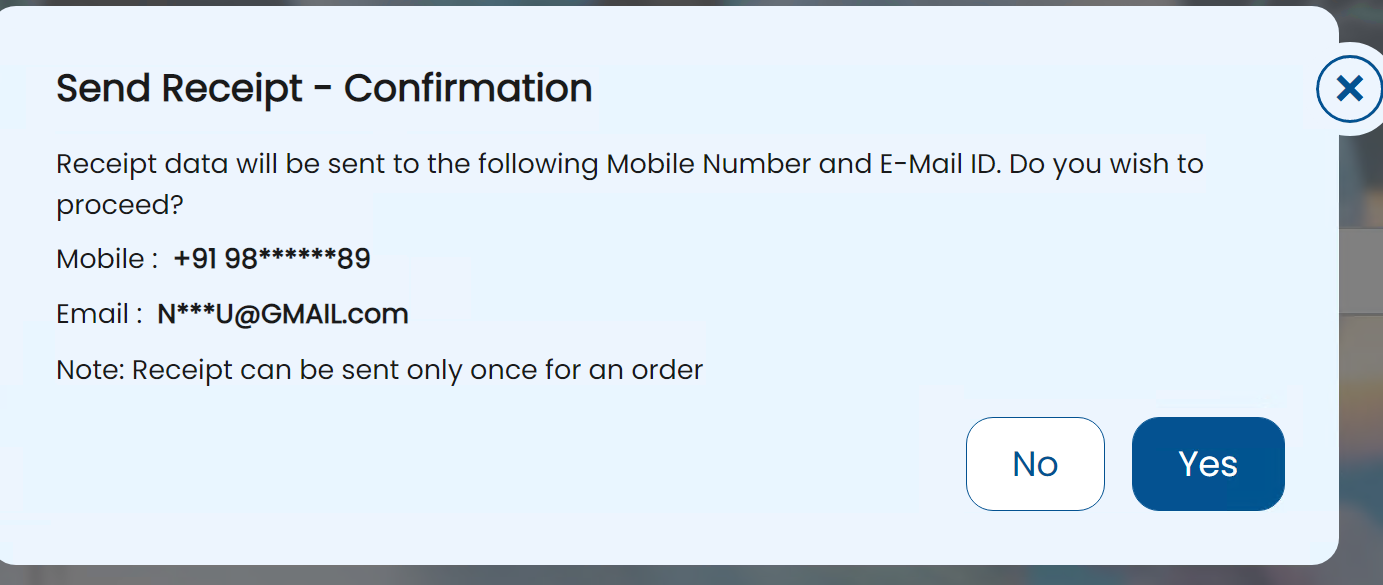
When the guest selects Yes, the receipt is emailed/texted, and a message, Notification Sent Successfully appears.
Important Points
-
The Get Order Details via SMS/Email button in the Order Confirmation screen only when one of the following terminal options are enabled in IGCM:
-
Terminal Option 1167 (Enable Email Receipt)
-
Terminal Option 1168 (Enable SMS Receipt)
-
-
The guest can enter either their email address or phone number even when both the terminal options are enabled.
-
If the Terminal Option 7 (Print Receipt When the Check is tendered) is disabled, the Print Receipt option does not appear in the Order Confirmation screen. This way, the receipts are not printed, and the guest can choose to receive digital receipts which reduces paper usage in Kiosk.
-
When Terminal Option 1167 (Enable Email Receipt), Terminal Option 1168 (Enable SMS Receipt), and Terminal Option 7 (Print Receipt When the Check is tendered) are enabled, the guest can view the Get Order Details vis SMS/Email and Print Receipt options in the Order Confirmation screen along with the View Receipt option. In this case, when the guest selects the Get Order Details vis SMS/Email option, the Print Receipt option is disabled and vice versa even if the respective terminal option is enabled.
-
When the order has items sold by weight, the weight is printed in the receipt as well.