


Set Table Layout
The Set Table Layout function is used to modify the floor plan of the profit center.
Navigate to Jump Bar ➜ Function Screen. The Function Screen appears.
Select Set Table Layout. The Choose Table Layout prompt appears.
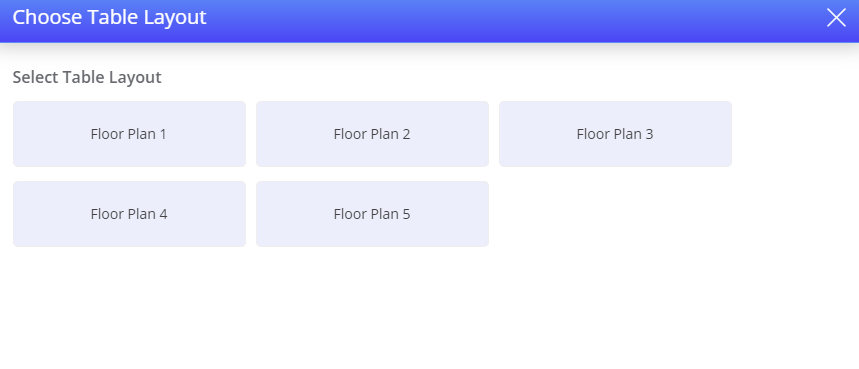
Select the appropriate table layout. The table layout is modified successfully.
Terminal Options Supported
|
Terminal Option |
Description |
|---|---|
|
300 (Prompt User for Default Table Layout to Use During Shift) |
If this terminal option is enabled, the user is prompted to select a table layout while clocking-in. The user will be provided with a list of all table layouts configured for the store they are operating in, and the user's selection will be stored until the user performs a clock-out. |
Important Points
-
If the user modifies the floor plan using the Set Table Layout function at the POS terminal, it overrides the primary floor plan configured at the Profit Center menu in IGCM. This setting lasts only until the end of the user’s shift. If the user clocks-out at end of their shift and clocks-in again to begin a new shift, the floor plan gets reset to the default floor plan configured at IGCM.
-
The default table layout selected from the Choose Table Layout prompt which appears while the user clocks-in, can be overridden using the Set Table Layout function. For example: If a user selects Floor Plan 1 as the default floor plan while clocking-in and overrides the selection by choosing Floor Plan 4 using the Set Table Layout function, the default floor plan becomes Floor Plan 4 and remains the same until the user clocks out again, during when they can again select a different floor plan from the Choose Table Layout prompt.