


Apple Tap to Pay on iPhone
InfoGenesis POS supports Apple Tap to Pay functionality on iPhone, enabling contactless card payments directly on supported iPhone devices.
|
Parameters |
Description |
|---|---|
|
Supported Gateways |
Adyen, Tyro |
|
Supported Region |
United States |
|
Supported iPhone Model |
iPhone 14 and above |
|
Connectivity Type |
Wi-Fi |
|
Card Types Supported |
NFC mode only:
|
Important Points
-
IG POS application and Agilysys Pay Adyen iOS app must be installed on the same iPhone.
-
Pay Centralized Configuration (Terminal Option 1465 (Use Pay Centralized Configuration)) must be enabled to use Tap to Pay functionality.
-
A maximum of five consecutive card tap attempts is supported per transaction. On the fifth unsuccessful attempt, Apple Pay aborts the transaction.
-
Every 40 seconds after transaction initiation, Apple Pay displays a timeout message with an option to continue the session.
-
Terminal Option 1268 (Use Credit instead of refunds) and Terminal Option 477 (Enable real time credit card refunds on refunded closed checks) are not supported.
-
Apple Tap to Pay screen does not timeout automatically
Implementation at the POS Terminal
Add the preferred items to the check.
Select the How to Tap & Pay (#2120) function. The instruction screens are displayed.
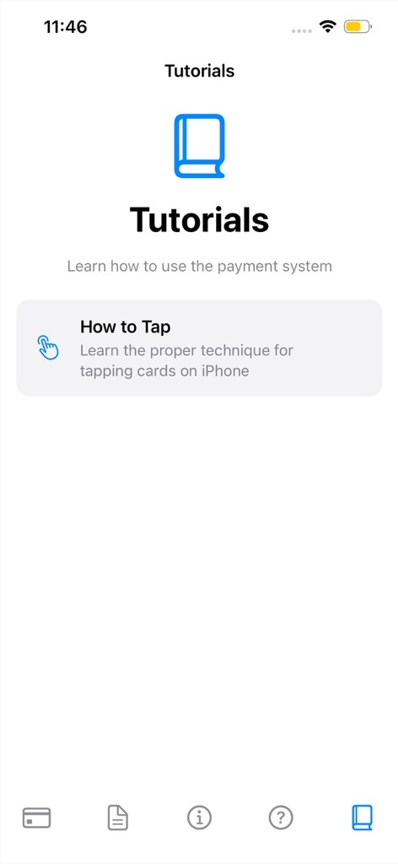
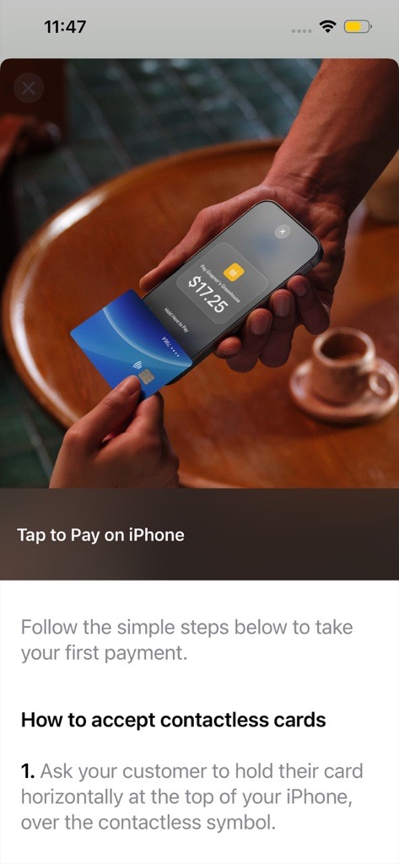
Select the Tap to Pay on iPhone (#2095) function.
Tap the card on the back of the mobile device.
The payment is completed, and the check is closed.