Tax Group
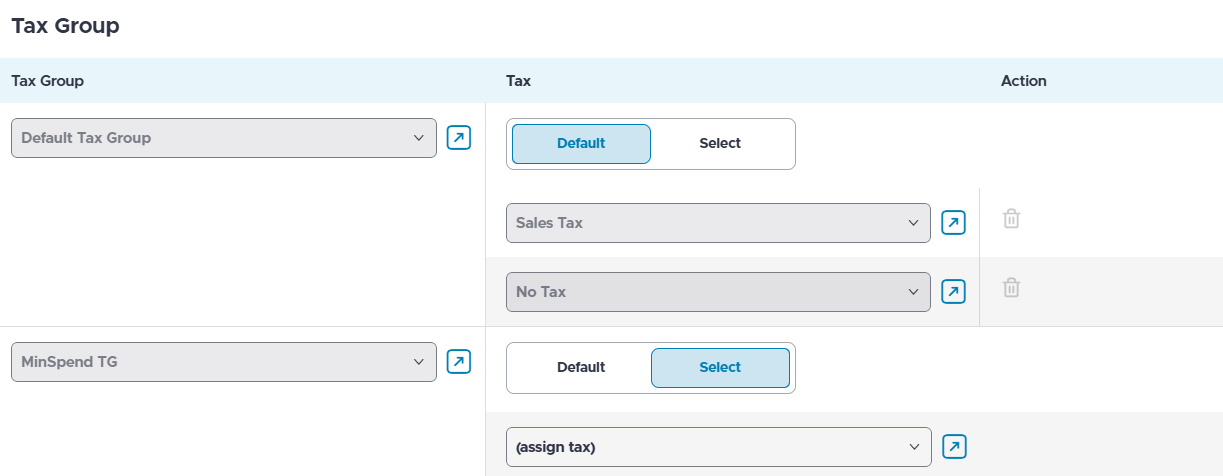
In the Tax Group submenu, a tax group is assigned to a check type along with corresponding taxes. All tax groups configured for a store are automatically assigned to a check type.
The taxes applied to a check type are adjusted by editing the taxes within each tax group already assigned to the check type. For items, each item belongs to only one tax group. The taxes in a tax group depend on the check type used for the transaction.
Navigate to Tax Group submenu.
Select between Default or Select toggles options from the Tax section of the assigned tax group to either assign default taxes associated with a tax group or select specific taxes from the tax group.