


Item Price Tier Level
The Item Price Tier Level menu lists all the items and users can configure different prices for the item against each price level and price tier.
Navigate to POS Configuration ➜ Items ➜ Item Price Tier Level.
Choose the appropriate item for which the price must be configured and select Edit.
Enter the preferred price for the item against the appropriate tier for available price levels.
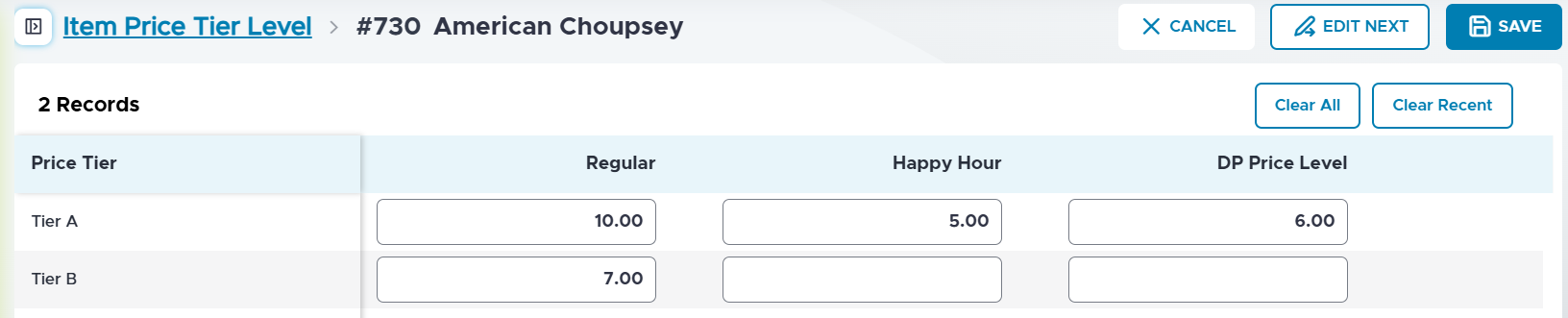
Refer to the following table for the field descriptions:
|
Field |
Description |
|---|---|
|
Clear All |
Select this to clear all the price configured for the item. If the price is cleared from the child enterprise, it will be inherited from the parent data. If the group record price is cleared from the parent enterprise, the appropriate base record price is inherited. If the base record price is cleared from the parent enterprise, no price will be displayed for the configured tiers. |
|
Clear Recent |
Select this to clear only the price configured for the item in the recent modification. |
Select Save.