


Basic Details
On selecting Add, the following screen appears:
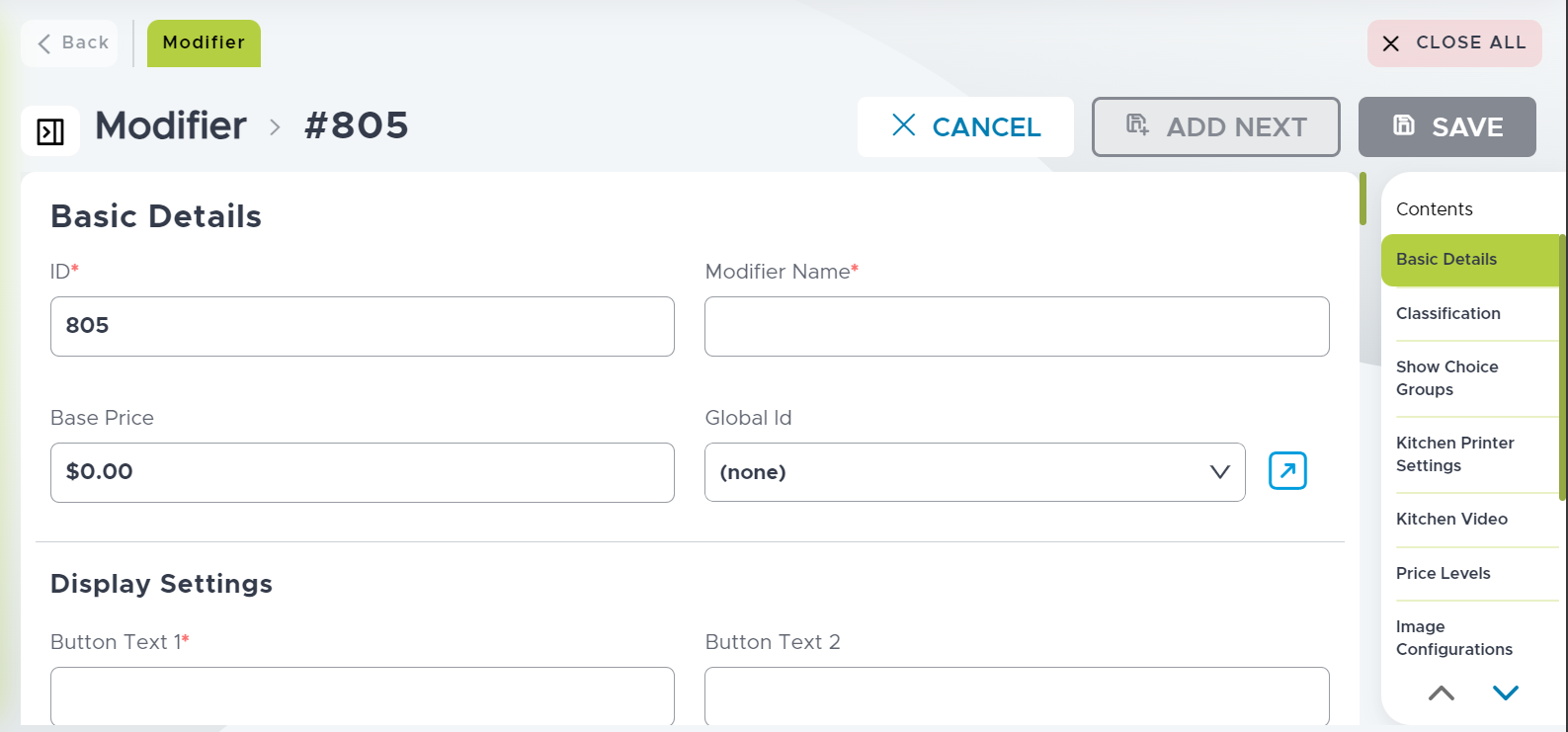
Refer to the following table and fill in the fields as necessary:
|
Field |
Description |
|---|---|
|
ID |
Enter a unique ID for the modifier. |
|
Modifier Name |
Enter the name for the modifier. |
|
Base Price |
Enter an appropriate price for the modifier. Even though the price is configured here, the price of the modifier displayed in POS Terminal is determined by the price level configured in the Price Levels sub-menu. If price level is configured for the meal period schedule or tender group or check type, it overrides the price entered in this field. |
|
Display Settings Section |
|
|
Kitchen Printer Text |
Enter the text for kitchen printer for the modifier. |
|
Kitchen Video Text |
Enter the text for kitchen video for the modifier. |
|
Properties Section |
|
|
Print modifier on customer check |
Enable the checkbox if the modifier information needs to be printed on the customer check. |